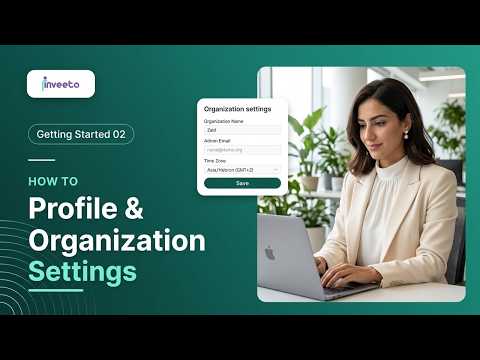
Getting started 1:01 video
How to change the interface language
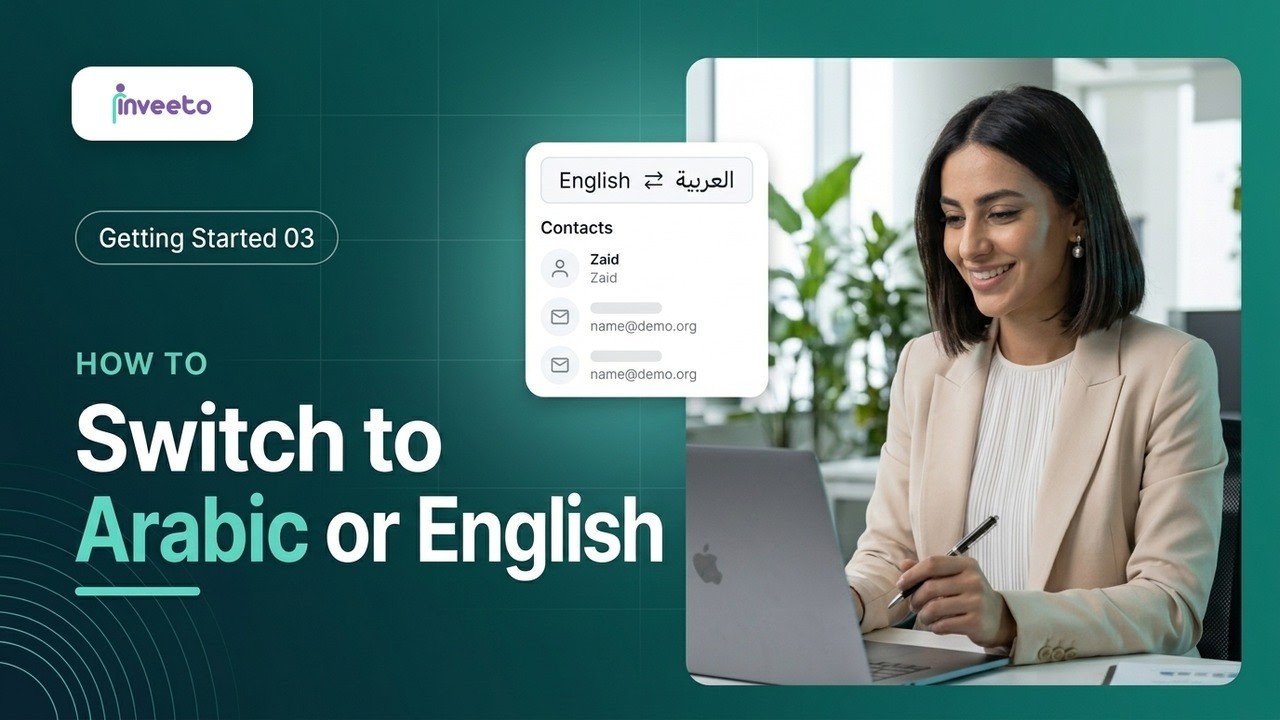
Switch the whole iNVEETO interface between Arabic and English.
Step by step
-
On the dashboard, find the language menu in the top corner of the screen.
-
Open it and choose Arabic. The whole dashboard switches to Arabic and to a right-to-left layout straight away.
-
To switch back, open the same menu (now in the top-left corner) and choose English.