Customer story

ABA Technology
PLEX 2026, E-commerce and Logistics Conference
It helped me manage emails smoothly instead of manually sending them to attendees.
500+ invitees · 2 days
Organizations across Palestine and the region use iNVEETO to invite guests, register attendees and check them in. Every story below is a real event, told with the organizer's permission.
PLEX 2026, E-commerce and Logistics Conference
It helped me manage emails smoothly instead of manually sending them to attendees.
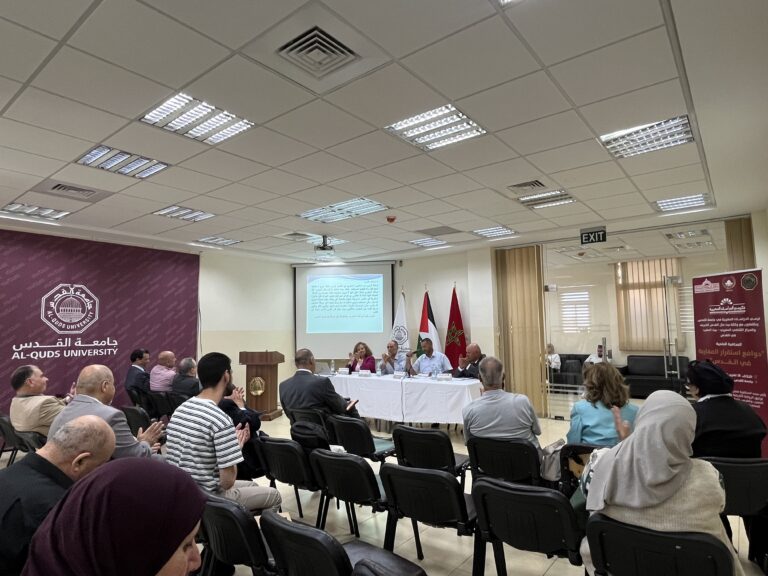
Moroccan Studies Chair, academic lecture
Inveeto contributed to the better organization and follow-up after the event through effective attendance registration and sending follow-up survey after the event.
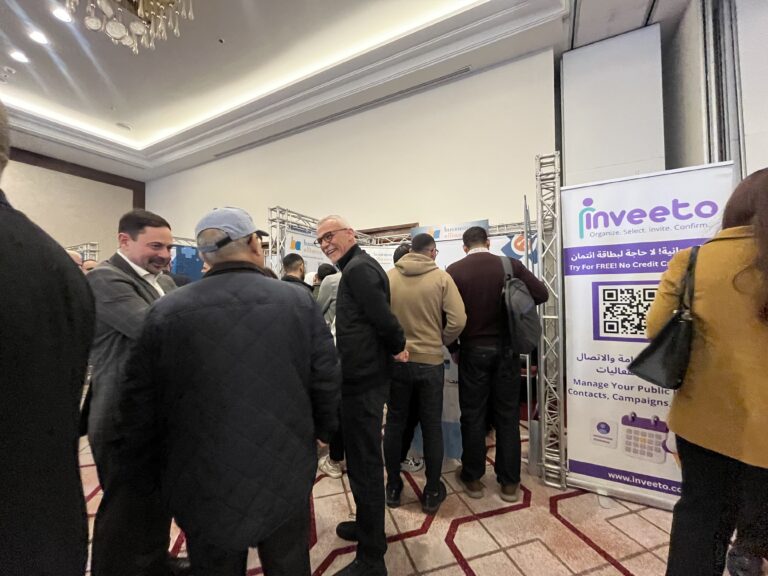
SehhaTech 2025, healthcare digital transformation
iNVEETO was the official Event Tech Sponsor for SehhaTech 2025, powering online pre-registration, on-site check-in and organized contact lists for follow-up.
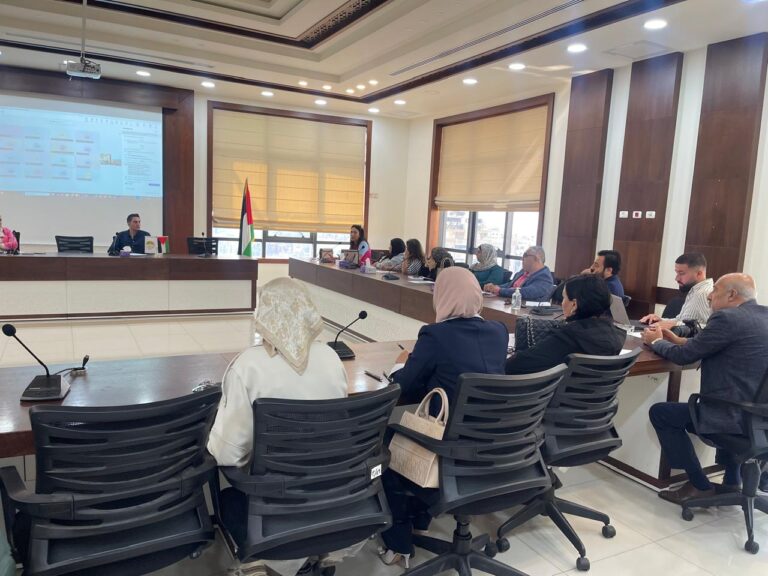
Introductory program session
The Palestinian Employment Fund used iNVEETO to support participant registration for an introductory program session.

Iftar 2026
BYU Arab Student Association used iNVEETO for Iftar 2026 to manage contacts, invitations and QR check-in for more than 500 attendees.
Most organizers keep contacts in one place, invitations in another and attendance on paper. Our team lived that problem, so we built one platform where the guest list, the invitations and the attendance record stay together, in Arabic and English.
A note from the iNVEETO team, not a customer testimonial.
Set up your address book and send your first invitations today. If you'd like a walkthrough first, book a 30-minute demo with our team.
Free for 3 months. No credit card required.
iNVEETO assistant
Pick the situation closest to yours, or write it below in any language.
Share one registration link and QR code, and add questions of your own.
Participants check themselves in by scanning the event QR code; walk-ins are added on the spot.
Export the attendance report and send a thank-you or follow-up email to the people who came.

Invite by tag and guest type, such as VIP, speaker or guest, and follow every reply: confirmed, tentative or apologized.
Your team scans each guest's QR pass at the door, and can check a guest in up to five times for separate sessions.
Follow attendance live, then share the invitation and attendance reports as soon as it ends.

Build the participant list once and reuse it for every session of the course.
Check participants in at each session, up to five times per event, and undo a check-in if needed.
Export attendance as CSV or PDF; each person's participation is saved to their record.

Send personal invitations in two languages, such as Arabic and English, from your organization's own email domain.
Follow replies, and log calls or meetings with invitees who have not answered yet.
See guest details at check-in, notify everyone of any change, and export the invitation report.

Mark guest types such as VIP or guest of honour, and print a personal pass for every guest.
Scan passes at the entrance, and register walk-ins on the spot with their guest type.
Thank everyone who came with one email, sent from your own domain.

Open a public registration link and QR code that you can share anywhere.
People check themselves in; anyone who arrives without registering is added on the spot.
Everyone who took part keeps the event tag, so the next session's invitation list takes seconds.